

What is embedded checkout?
Ziina’s Embedded Checkout lets customers pay directly on your website—no redirects, no drop-offs. It’s a secure, seamless payment form that lives inside your page, so your brand stays front and center. That means faster checkouts, fewer distractions, and more completed payments.Before you begin
- Host the domain verification file at
https://[your-domain.com]/.well-known/apple-developer-merchantid-domain-association. This file needs to be served with"Content-Type": "text/plain"header - Contact Ziina support with your website domain(s). Once approved, you can embed checkout on those domains.
Implementation Steps
1. Generate API Token
Visit https://ziina.com/business/connect to get your API token.2. Create a payment intent
Create a payment intent using the Ziina API: Create Payment Intent3. Display the checkout form
Use theembedded_url from the payment intent response to show the checkout in an iframe. In addition, provide a version, you would
like to use. Currently, we support two versions:
version=latestfor automatic updates (breaking changes may occur in the future)version=v1for stable version (might be deprecated eventually)
Internationalization (i18n)
The checkout widget displays in English by default. To display in Arabic, addlocale=ar query parameter to the embedded URL:
Widget size
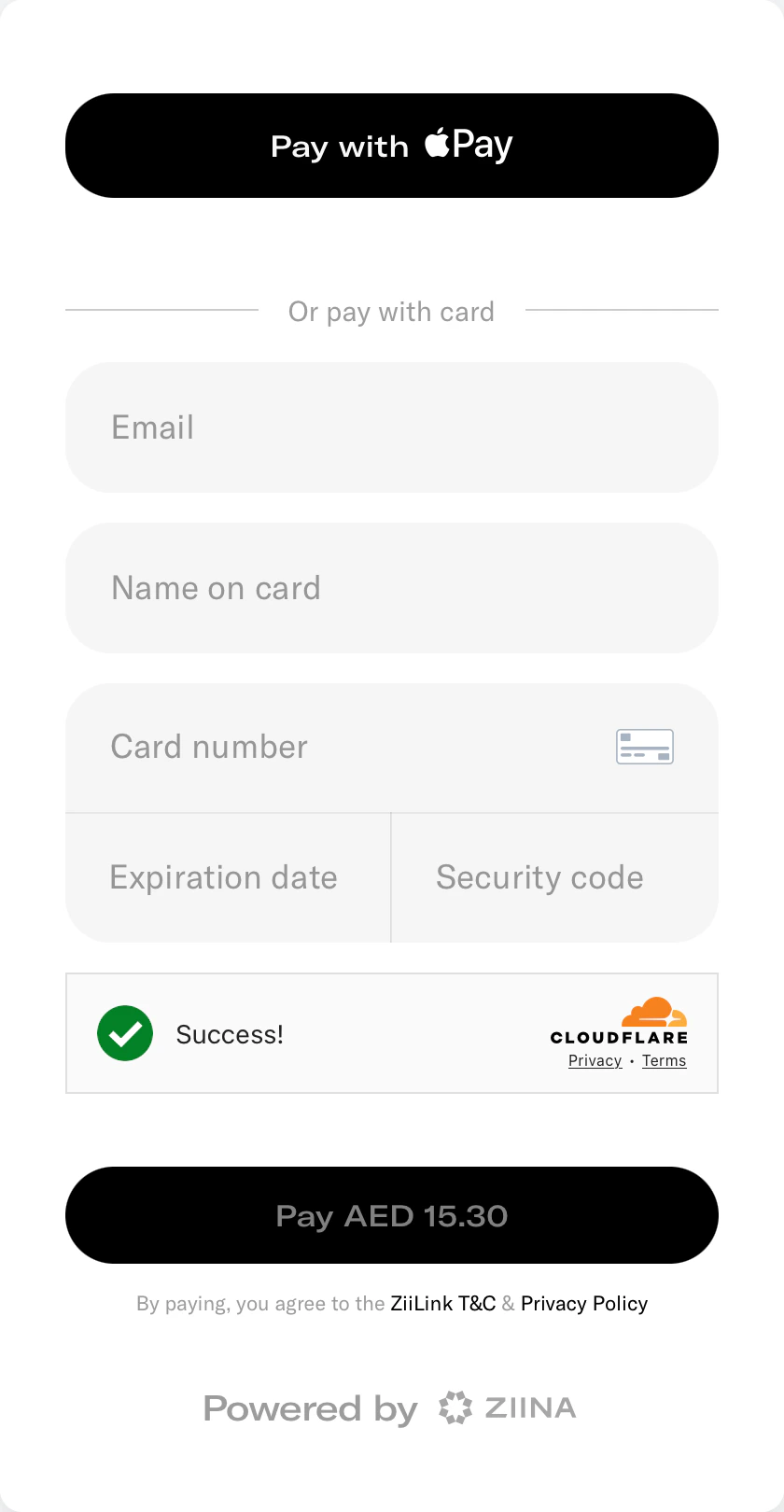
For a better user experience, we suggest you display the embedded widget with one of the following dimensions:- Without tips: 450px width x 820px height
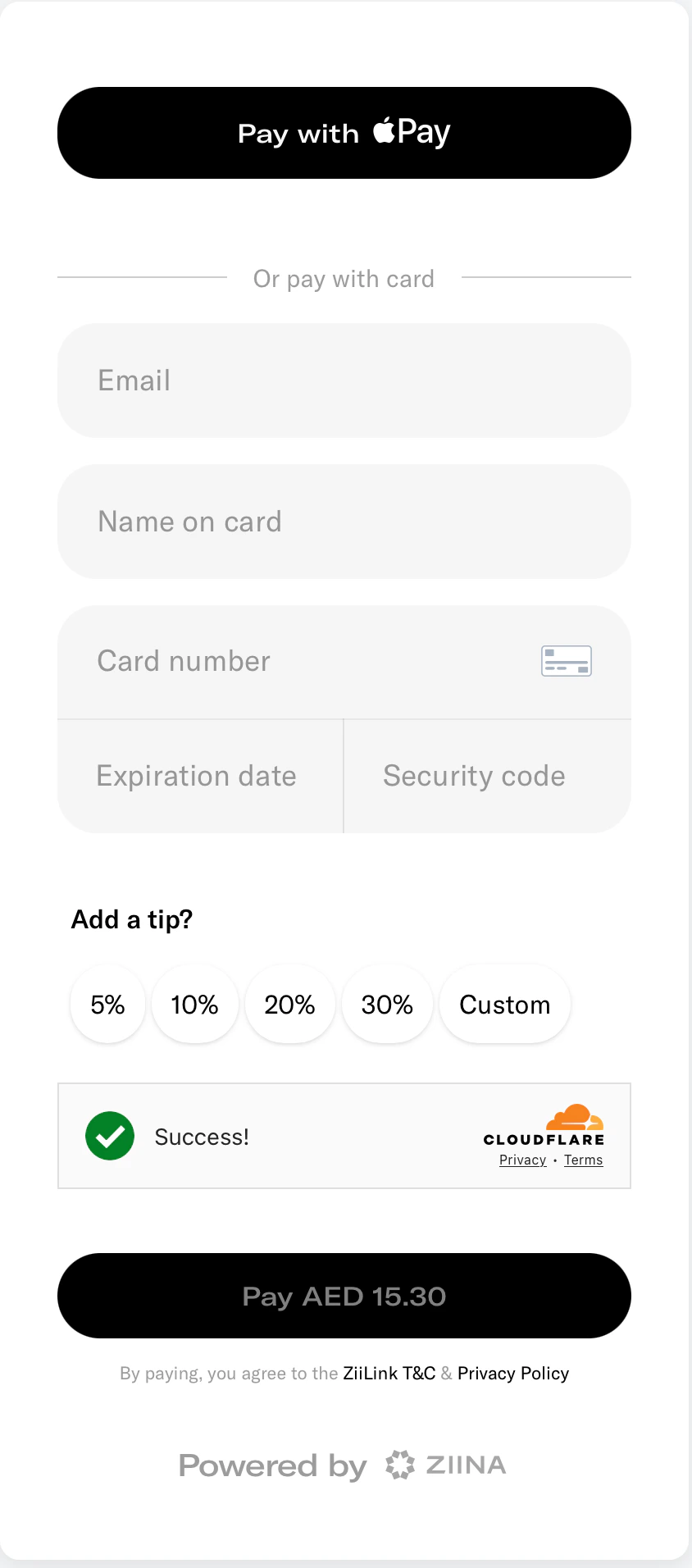
- With tips: 450px width x 950px height
4. Handle payment events
You can subscribe to theZIINA_PAYMENT_STATUS_CHANGE event from the iframe to update your UI accordingly. The iframe will notify you when the payment status changes to: COMPLETED, FAILED, or CANCELED.